
Aquavoy
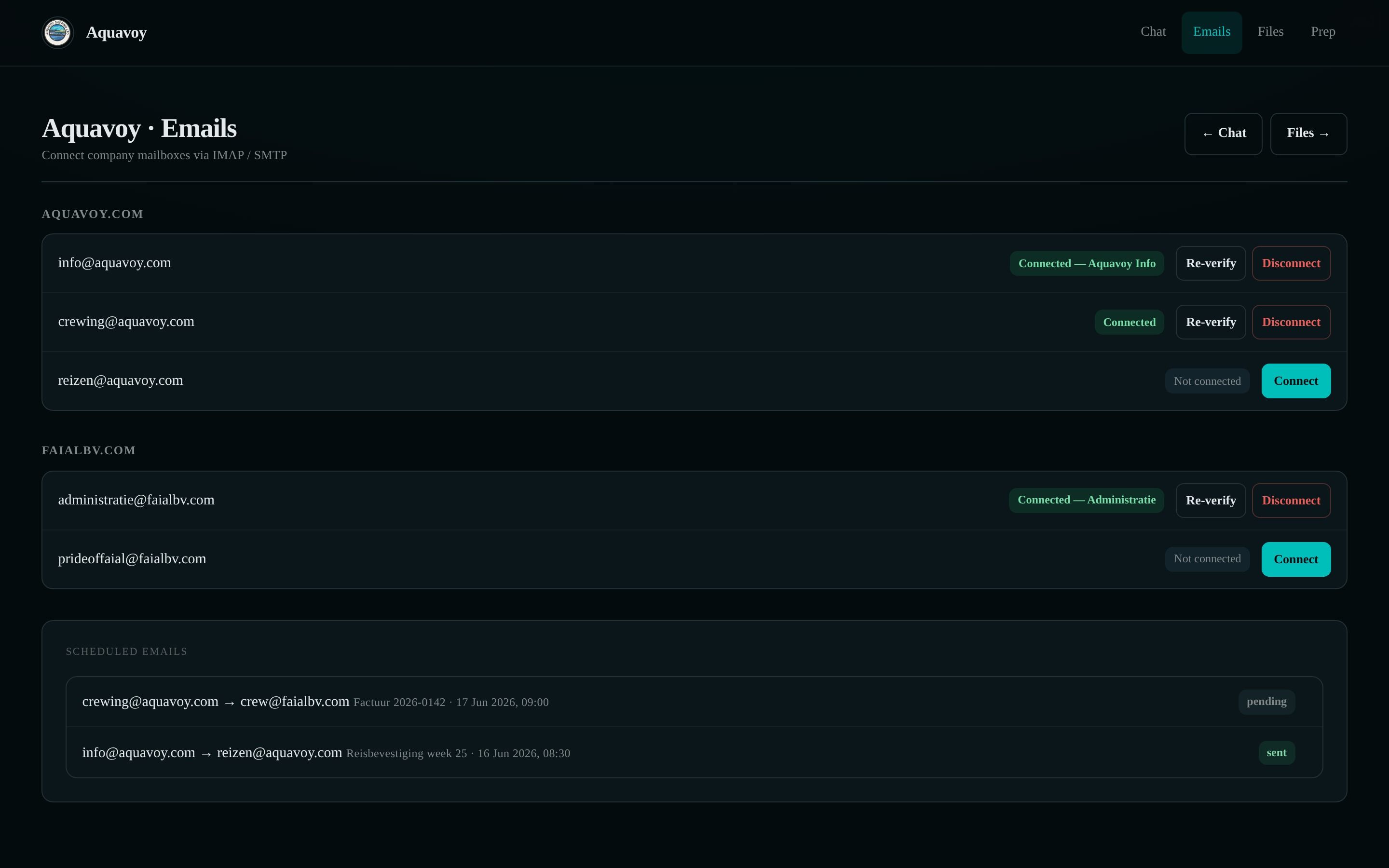
An internal AI assistant for an inland waterway shipping operation in the Netherlands. Two operators manage the company OneDrive and 12 mailboxes through one assistant that finds files, drafts and sends mail, schedules sending, and asks for confirmation before it acts.
- 2026
- Inland Waterway Shipping
- Netherlands
The challenge
Wence runs an inland waterway shipping operation in the Netherlands across two companies, Aquavoy and Faial BV. The administration was held in OneDrive and a dozen separate mailboxes, so locating an invoice and sending it to the correct address required repeated manual coordination between tools.
Our solution
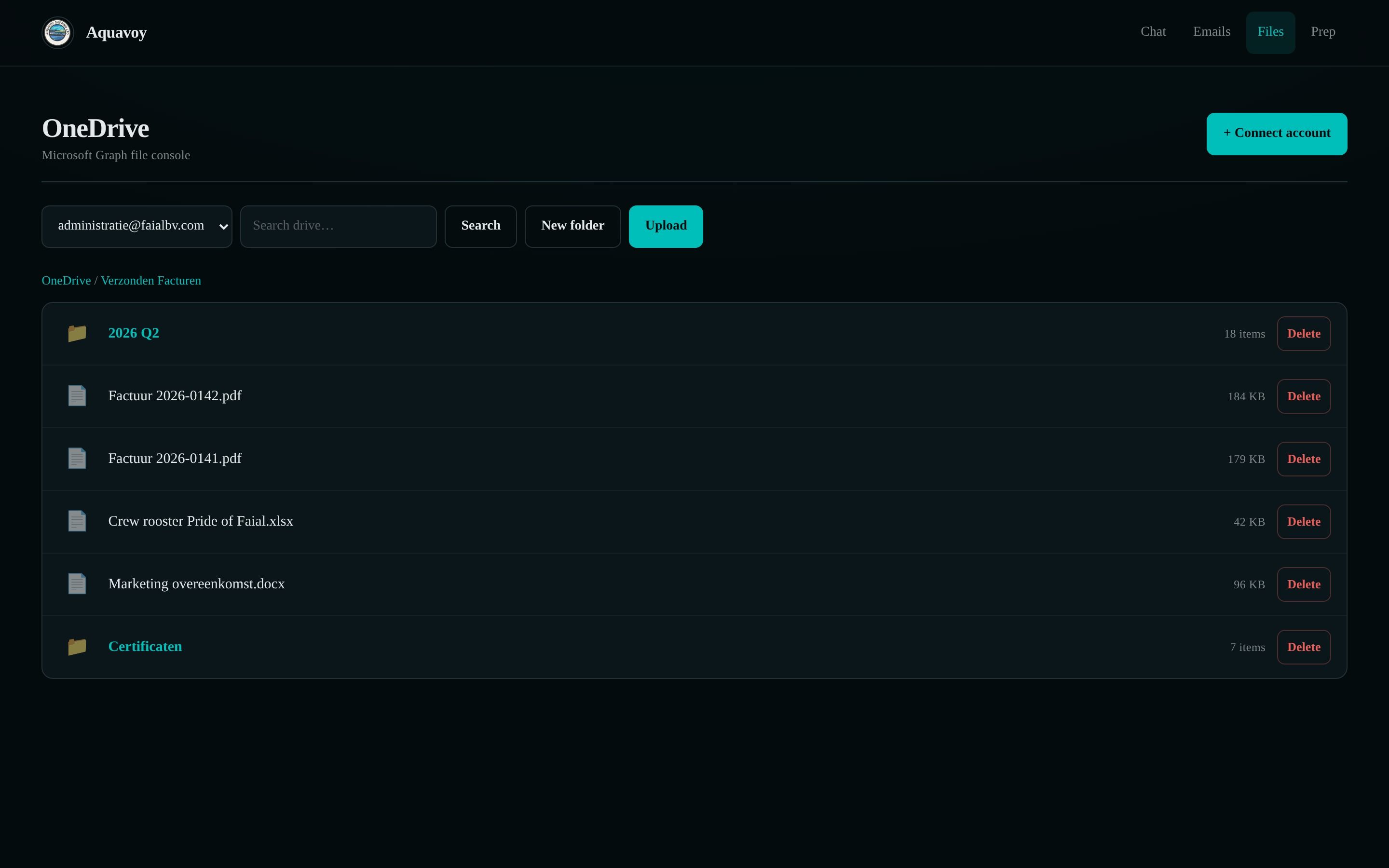
Aquavoy is a single AI assistant that the team operates by conversation. It finds and organises OneDrive files, reads and sends mail across 12 company mailboxes, schedules sending for later, recalls past conversations, reads Word, PDF and Excel documents, and searches the web, all from one conversation with management pages for email, files and email preparation. It asks for confirmation before it sends, schedules or deletes, and credentials are held encrypted behind a signed-in session.
- Files, mail, scheduling and search in one assistant
- 12 company mailboxes
- Two named operators
- Confirmation before every send, schedule or deletion
- Files, mail, memory and web in one conversation
- Credentials held encrypted
The approach
One conversation
An AI assistant that works across OneDrive, company mail, memory and the web, replying as it works and completing multi-step requests from a single instruction.
OneDrive file management
Secure, continuous access to the full range of file operations: browse, search, upload, download, create folders, rename, move, copy and delete.
Company mail across 12 mailboxes
Reading and sending mail across the aquavoy.com and faialbv.com mailboxes, with scheduled sending, so that one delayed message does not hold up the others.
Safeguards and memory
The assistant asks for confirmation before it sends, schedules or deletes, carries context between conversations through recall, and reads Word, PDF and Excel files in the same turn in which it is asked about them.
Key insights
Two operators manage files and a dozen mailboxes through one assistant, in a shared workspace connected to OneDrive and company email.
- A confirmation step before every send, schedule or deletion prevents an irreversible action from leaving in the company name by mistake.
- File access is designed so that the underlying storage provider can be changed later without rebuilding the assistant.
Related work
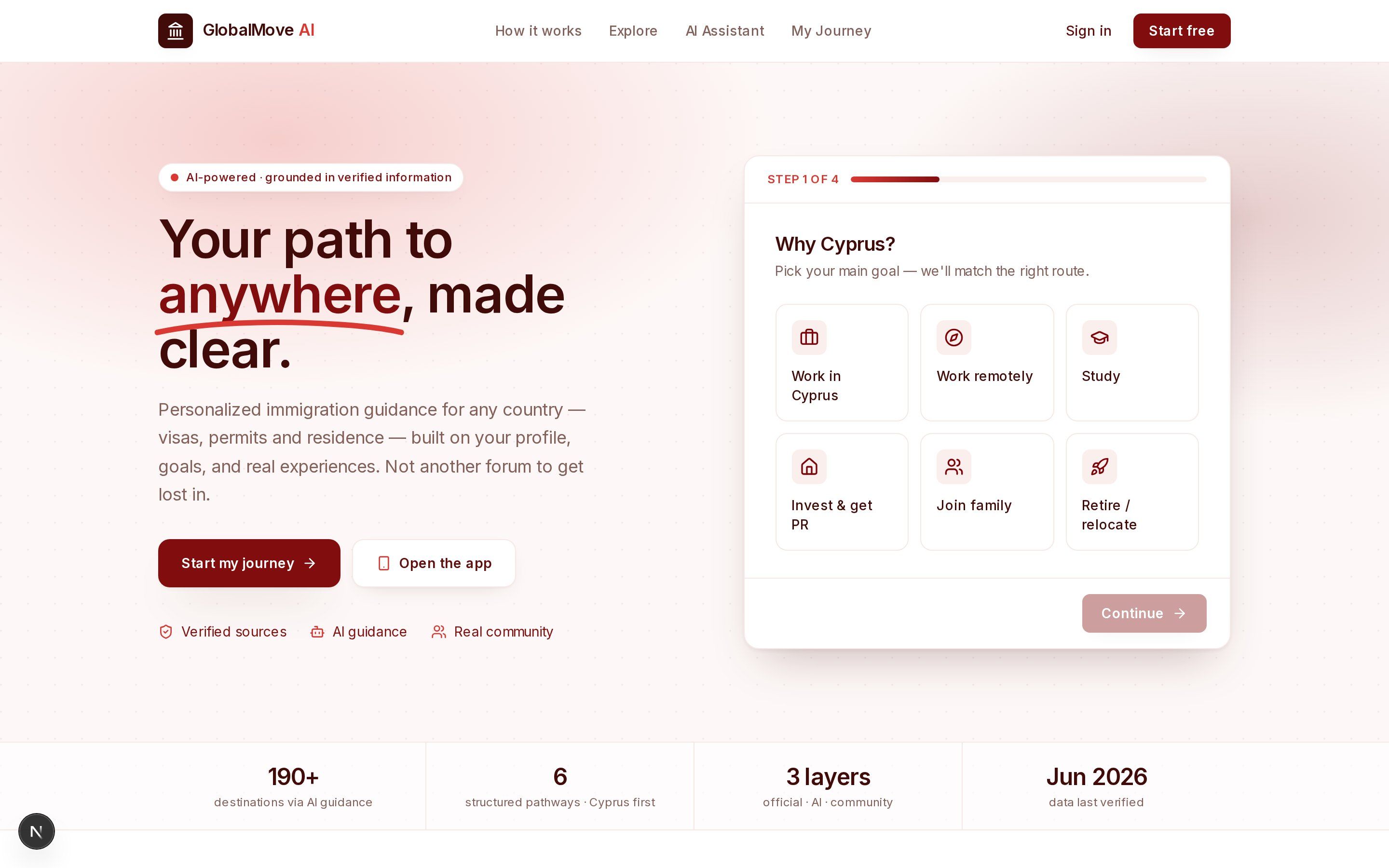 GlobalMove AIAn immigration navigator that matches a user profile to relevant relocation pathways, with source references, document requirements and a sequence of next steps.
 AxidexA signal intelligence platform for sales teams, bringing buying signals and AI-assisted outreach into one workspace.
 GlluzTechAn AI discovery platform with a conversational assessment.