The software your business runs on.
Your records, operations and AI in one workspace, designed around the people who use it.
The operations console, shown with sample data.
Overview
- 3
- 1
- 1
Waiting on a person
Activity
Suggested action prepared from the sample project record.
Related sample order located for review.
Suggested summary outline prepared from the sample notes.
Action scheduled in this demo: Next working day, 14:00.
Action approved in this demo. Assigned to Operations team.
Client work
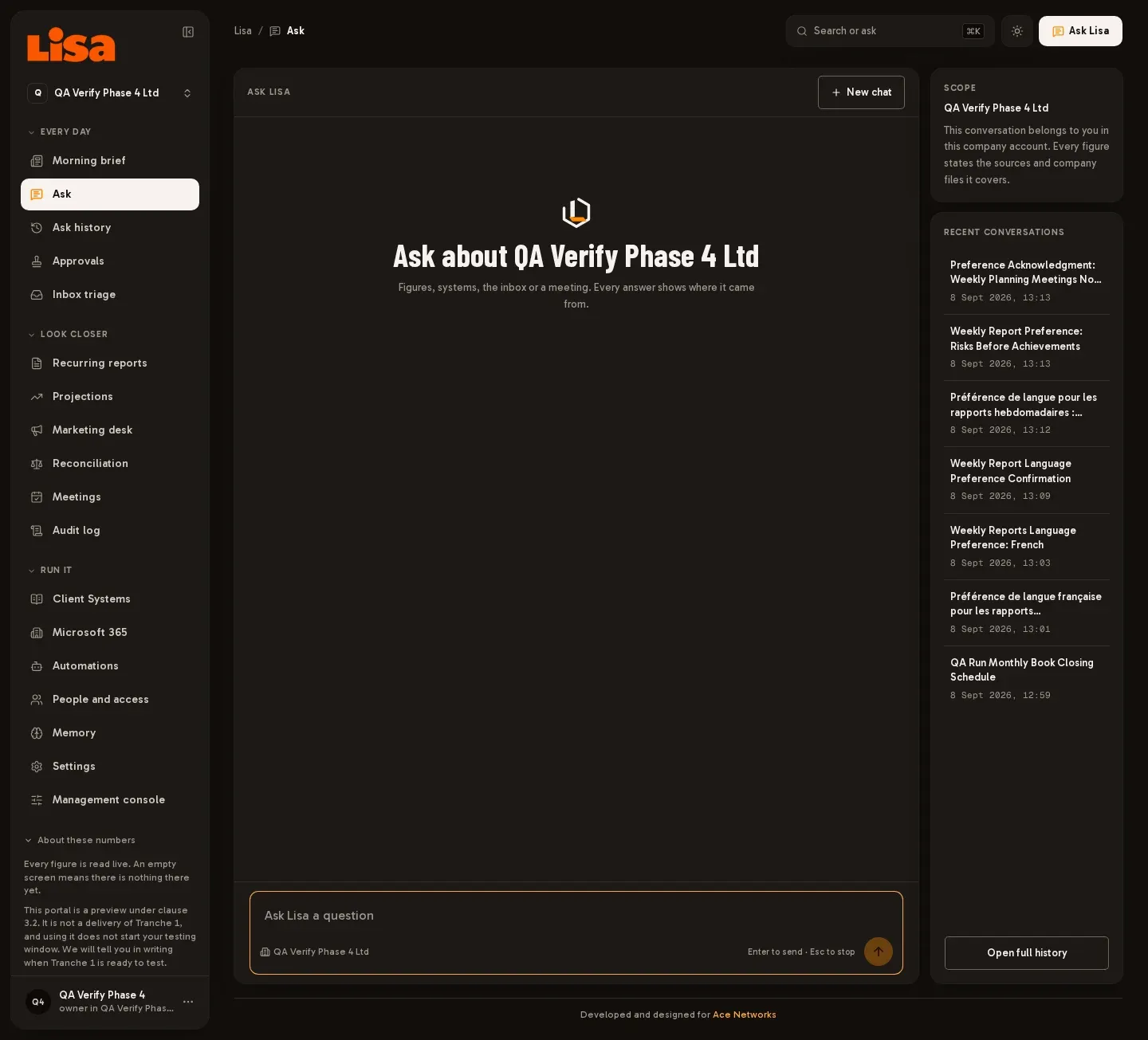 Lisa AI Operating SystemAn AI workspace bringing business questions, recurring reports and operational information into one place.
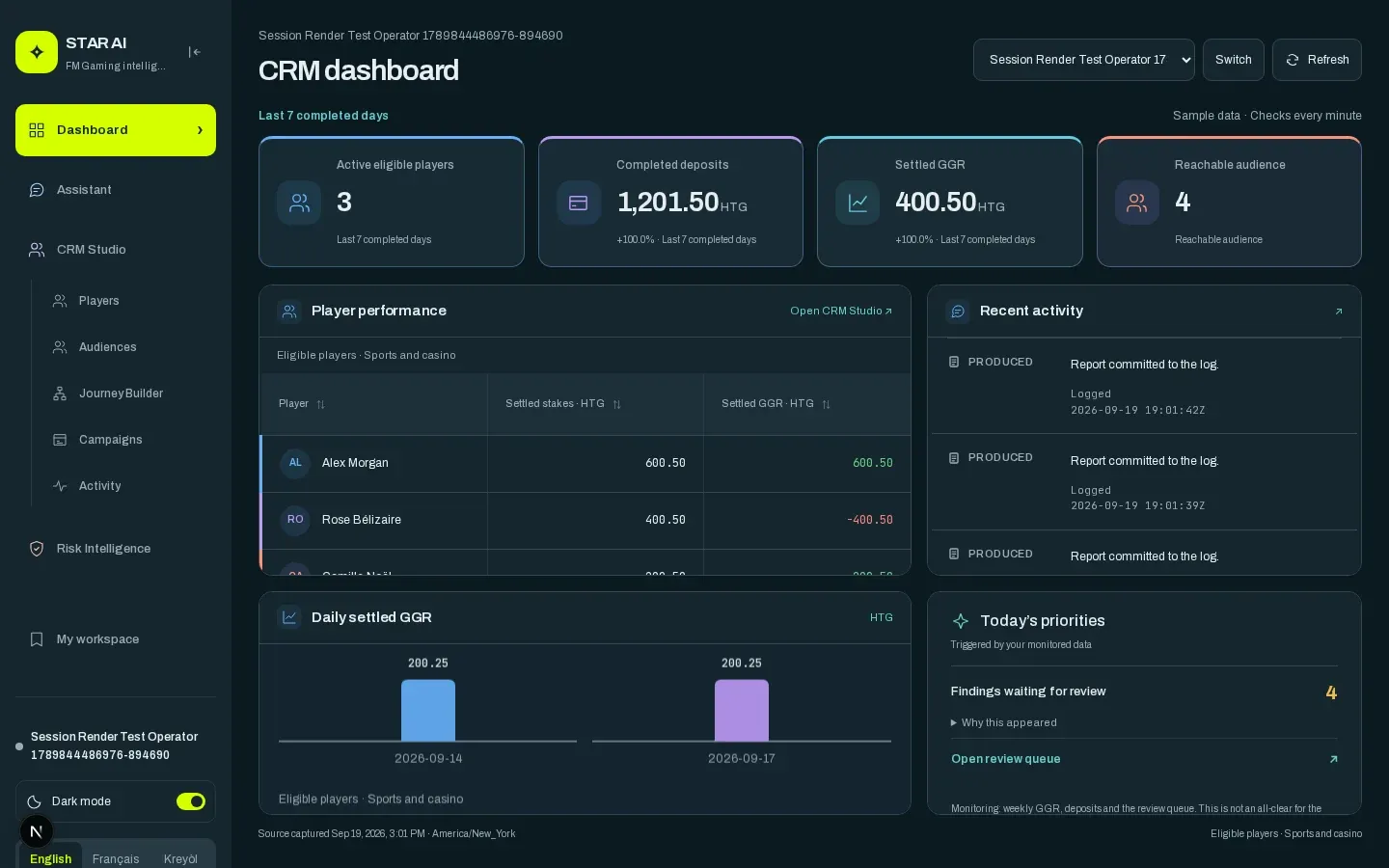 First Minute Gaming AI SystemAn operator console named STAR AI, combining an assistant, a CRM studio and a risk review desk in one place.
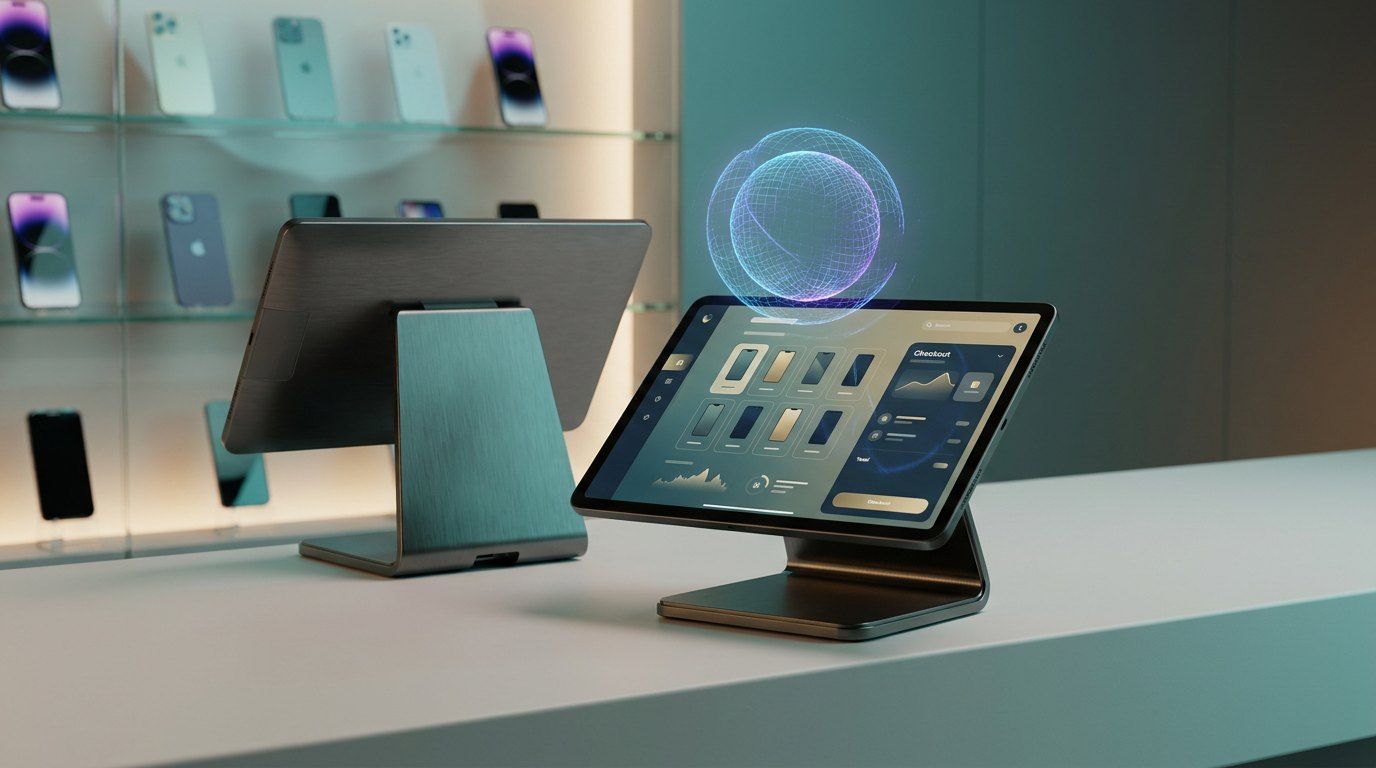 Tech-PhoneA store management system for a Cyprus mobile phone retailer, combining point of sale, inventory and daily operations with integrated AI assistance.
From your process to your software.
- 01
Understanding the work
We review how information moves through your business with the people responsible for it.
- 02
Connected records
Customer information, documents and activity available where your team needs them.
- 03
Agreed approvals
Approval requirements and exceptions are agreed with your team before automation begins.
- 04
A focused first version
Your team evaluates working software against a defined operational need, in accounts you own.
- 05
Development in use
Feedback and agreed priorities shape the improvements that follow the first release.
The services we provide.
Frequently asked questions
Discuss your operational requirements.
Review your current workflows and explore a suitable first version with our team.